
Admin panel
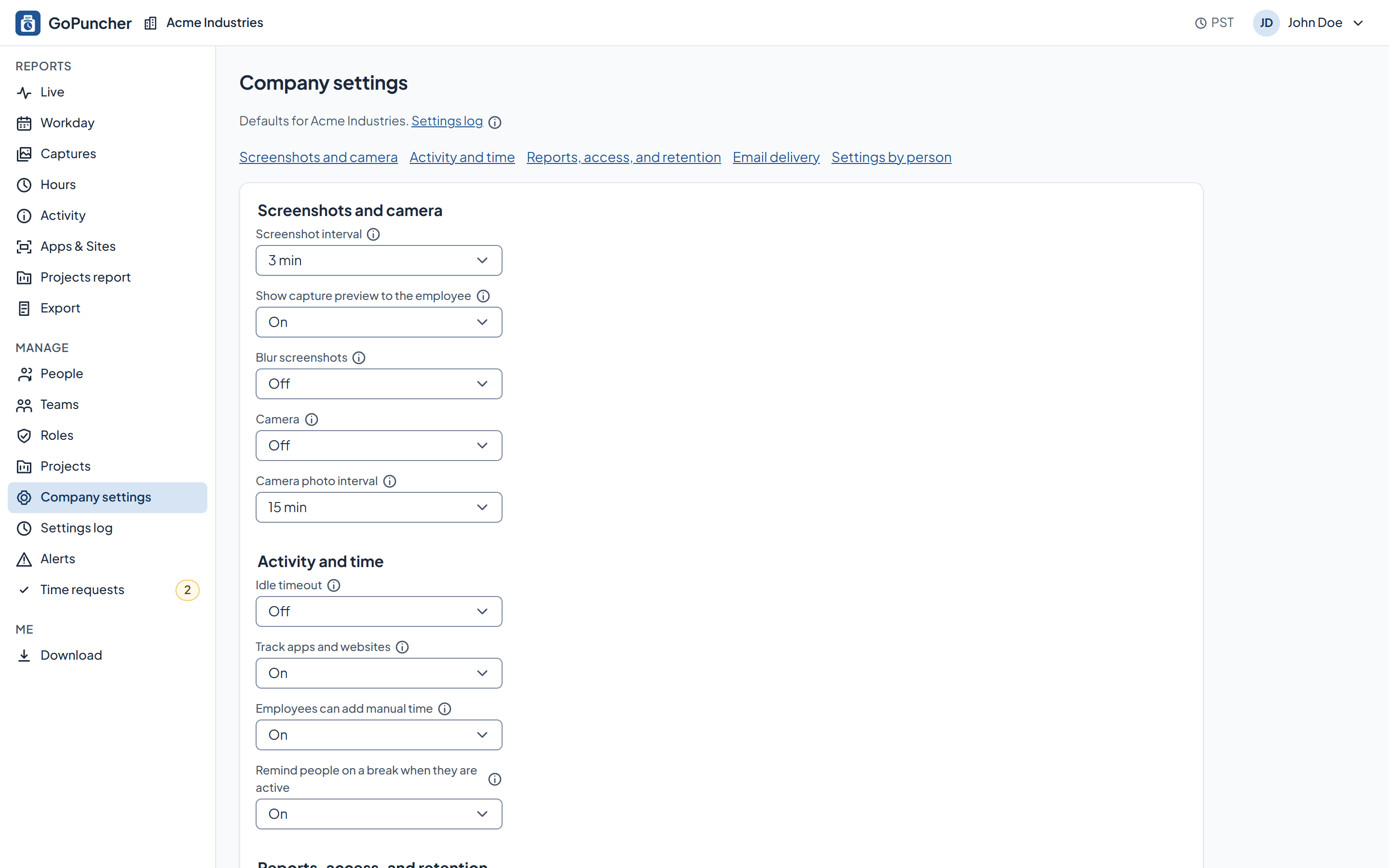
The web panel is where a company is set up: people, teams, roles, monitoring settings, and the record of who changed them.
What it does
- People: you add people in the panel; they get an invite link, set a password, and appear in your company. Names can be fixed later by you or by them.
- Teams: a team decides which employees a manager sees, and it can carry its own monitoring settings.
- Roles: employees see their own data, managers their teams, admins the company.
- Settings matrix: one row per person, one column per setting. Set a value for everyone or for a whole team; personal values stay.
- Settings log: who changed which setting, when, and the value before and after.
- Deactivating someone cuts their access immediately and keeps their records as history.
How you set it up
- Screenshots, intervals, blur, apps and websites, idle timeout, camera, set for the whole company, overridden per team or per person where you need it.
- Company settings hold the time zone that every report uses for its days.
- Every change is written to a settings log.
What the employee sees
- The settings that apply to them, in My settings in the app.
- The monitoring notice, which they can read again at any time from the GoPuncher menu.
See it on your own numbers.
Half an hour, your questions, and the real panel on screen. No slide deck.