
Desktop app
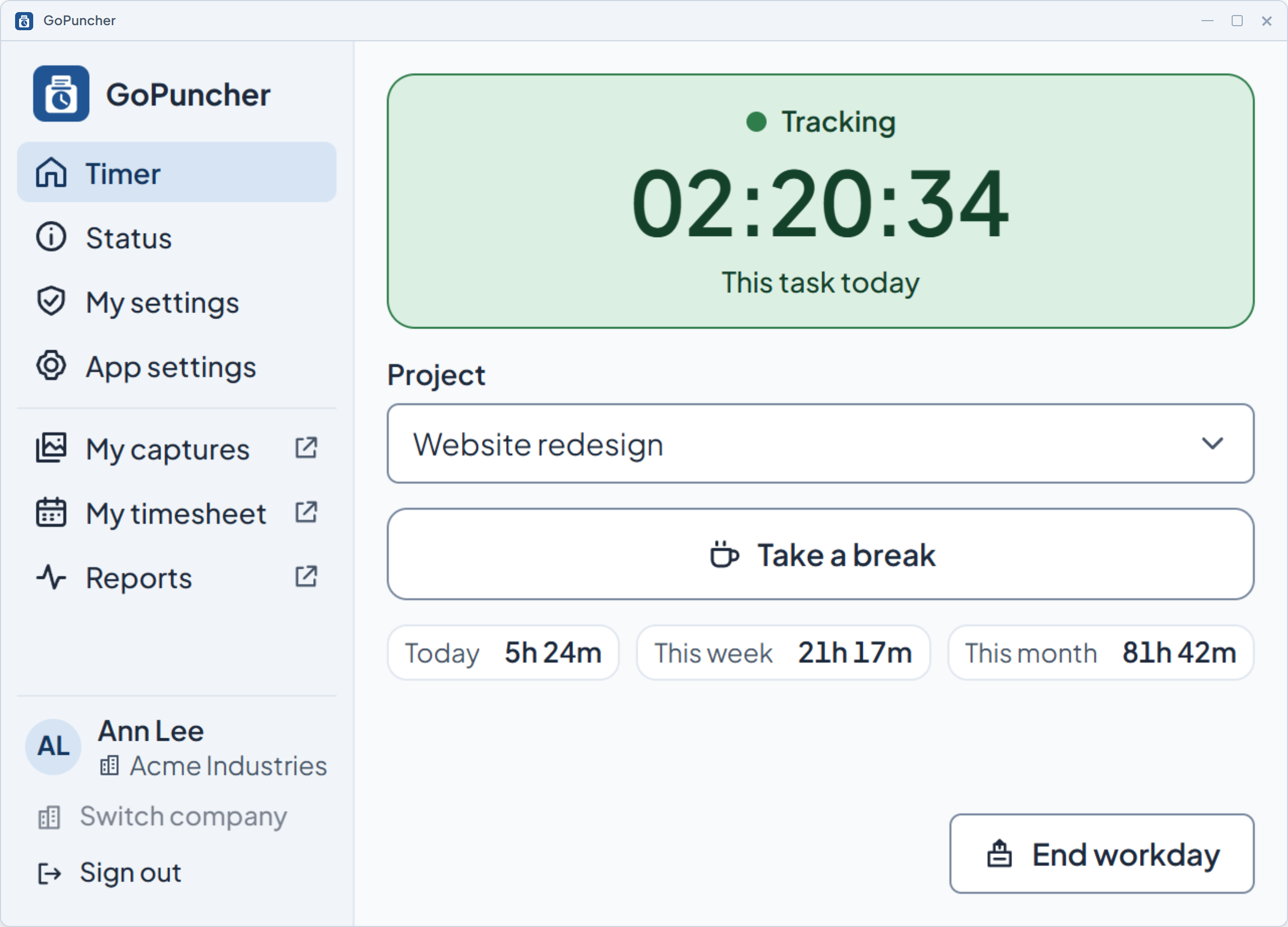
The app your employees run on Windows: a small window, a tray icon that shows the current state, and a bar that keeps the timer in view.

What it does
- Windows today. A macOS client is in active development.
- A small window with the timer, the project and today's time.
- A tray icon in three colors, blue when stopped, green while tracking, red on a break or an idle pause, always with the state in words.
- A small bar that stays on top of other windows and shows the state, the project and the time on the current task. The employee can hide it from the tray menu.
- Offline, tracking continues: records wait in a local queue and are sent when the connection is back.
- Captures waiting in that queue are encrypted on the disk.
- Updates download in the background and never interrupt a running timer.
How you set it up
- One installer per computer. It doesn't need administrator rights.
- It updates itself from your company's release channel, so nobody has to chase versions.
- Employees accept their invitation on the web, then sign in to the app with that account.
What the employee sees
- The monitoring notice before the first start. The timer cannot start until they agree to it.
- Status: whether screenshots are on and how often, and whether everything is synced.
- No hidden mode: the app shows its state in the tray for as long as it runs.
See it on your own numbers.
Half an hour, your questions, and the real panel on screen. No slide deck.